
Latest Version
Some Media Apps
Media
Windows
Free
9n28bbwg8v0p
Report a Problem
More About 2-Click Screen Recorder
A Seamless Experience in Desktop Capture
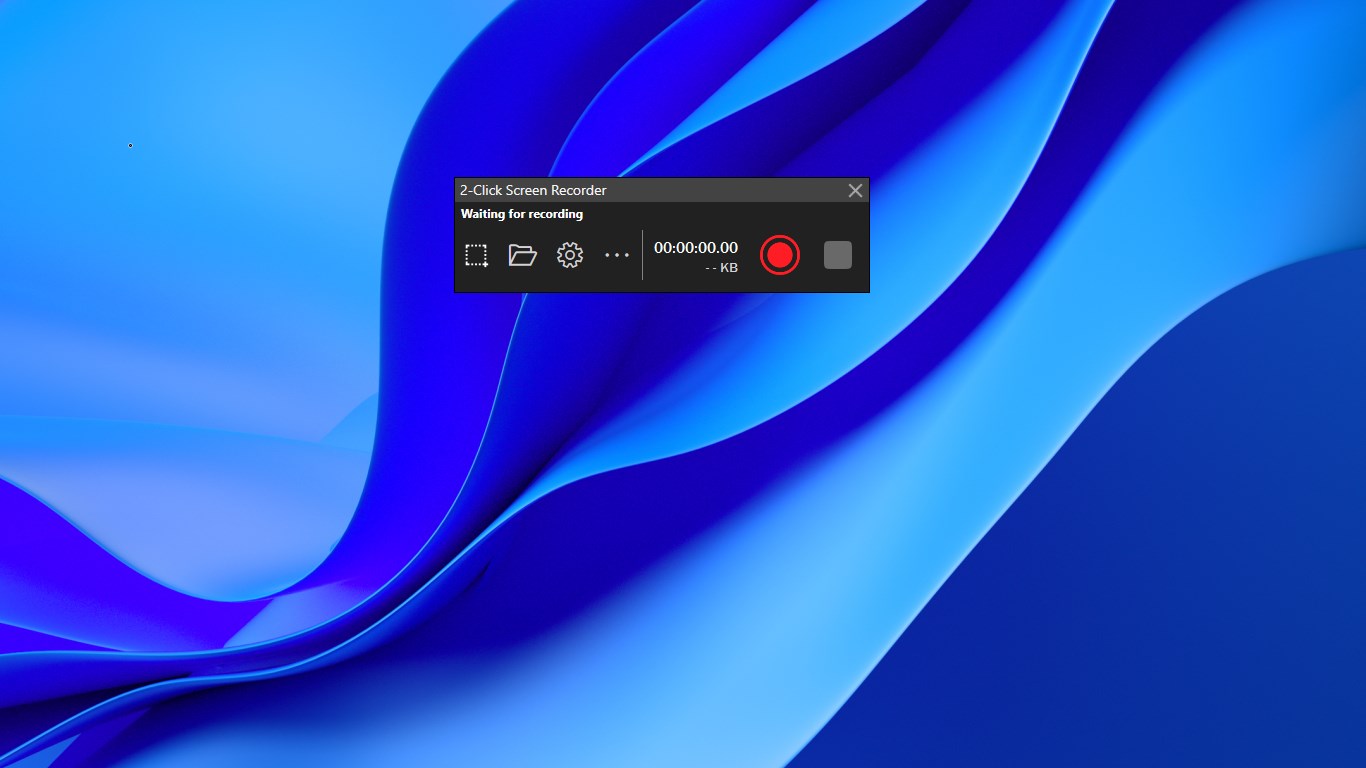
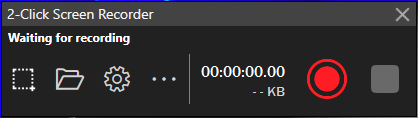
Imagine needing to capture a quick tutorial, record a software bug, or save a streaming video, only to get bogged down by complex menus and bloated software. The 2-Click Screen Recorder desktop video capture utility is designed specifically to eliminate that friction. True to its name, the user experience is remarkably straightforward: you click once to initiate the recording, and you click a second time to finalize and save your video file. There are no labyrinthine setup wizards or heavy system overheads—just a clean, efficient route from your screen to a finished media file.
Flexible Capture Settings Under the Hood
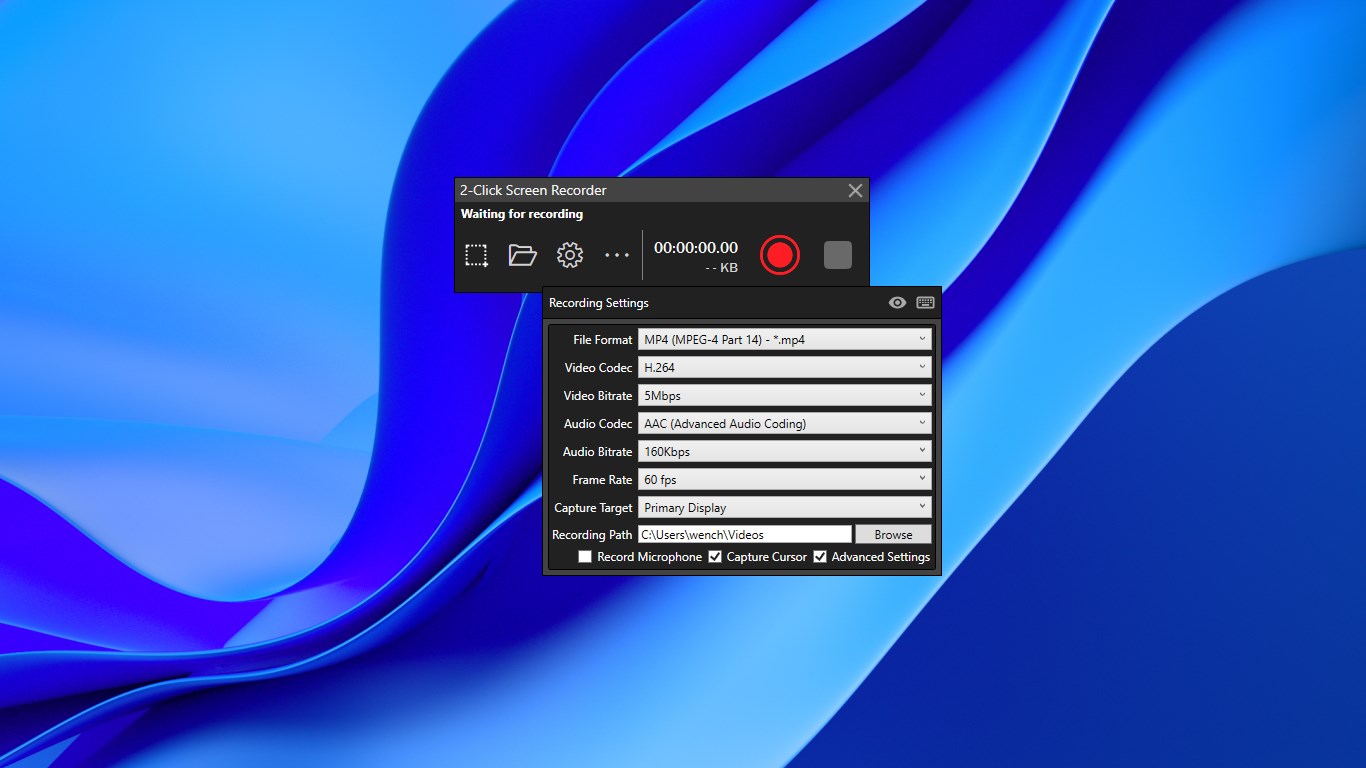
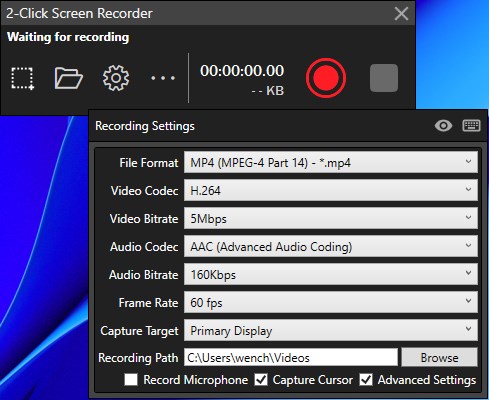
While the interface remains minimalist, this media tool provides essential configuration options for users who need specific outputs. Whether you are producing professional guides or quick internal memos, the software adapts to your technical requirements.
- Targeted Recording Areas: Capture your entire display, target a specific active window, or define a custom region on your desktop.
- Advanced Video & Audio Codecs: Choose between H.264 (the highly compatible default) and H.265 for efficient compression, alongside AAC or MP3 audio formats.
- High Frame Rate Support: Keep your motion fluid with frame rate options ranging from standard cinematic speeds up to 120 and 144 FPS—ideal for high-refresh-rate displays.
- Cursor Control & Overlays: Toggle cursor capture on or off depending on your presentation style, and utilize the "Always on Top" mode to keep your recording controls accessible.
Who is the 2-Click Screen Recorder Best For?
This Windows application from Some Media Apps is an excellent fit for educators, remote professionals, and content creators who value speed over complex post-production suites. Because it runs efficiently on Windows, it serves as a reliable daily driver for quick demonstrations without draining your system resources. The inclusion of customizable hotkeys means you can manage your recordings entirely from your keyboard, keeping your final video looking clean and professional.
Should You Choose This Tool?
If your workflow demands an uncomplicated, rapid-response capture utility, this software delivers exactly what it promises. It strips away the unnecessary clutter of enterprise-grade suites to focus entirely on speed and ease of use. To explore this tool further and integrate it into your daily routine, visit the official Microsoft Store page to view the application details.
Rate the App
User Reviews
Popular Apps










Editor's Choice