Latest Version
AgileBits Inc.
Security
Mac
Free
1569813296
Report a Problem
More About 1Password for Safari
Securing Your Digital Life Directly in Your Browser
Managing online credentials can be a hassle, but 1Password for Safari password manager simplifies the process by integrating robust security directly into your browsing sessions. Developed by AgileBits Inc., this dedicated Mac extension is designed to run independently, meaning you do not even need to install the standalone desktop application to keep your digital vault secure and accessible while surfing the web.
Key Capabilities: What You Can Actually Do
Instead of acting as a simple auto-fill tool, this extension serves as a fully functional control center for your sensitive data. Here is how you can use it daily:
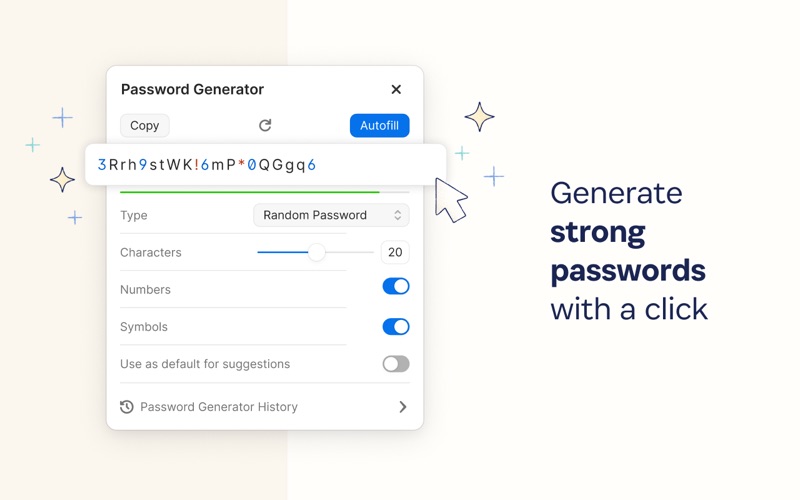
- Generate and Store Credentials: Instantly create strong, randomized passwords for new accounts and save them directly to your vault.
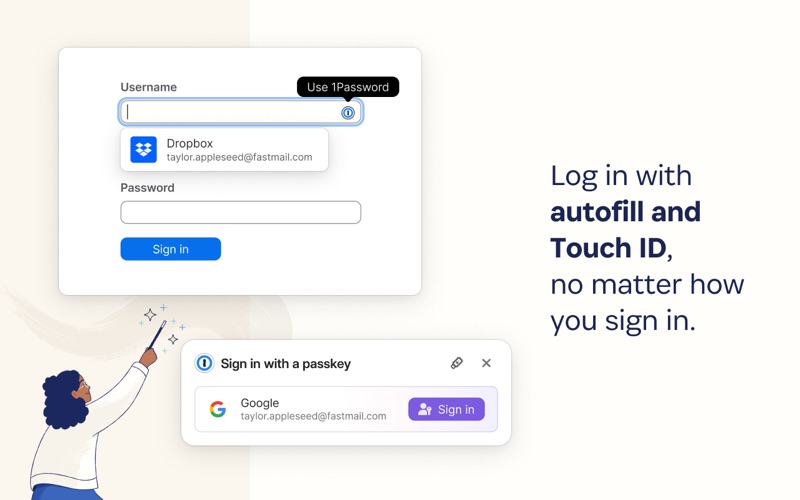
- Seamless Form Filling: Populate usernames, passwords, shipping addresses, and credit card details on checkout pages in a single click.
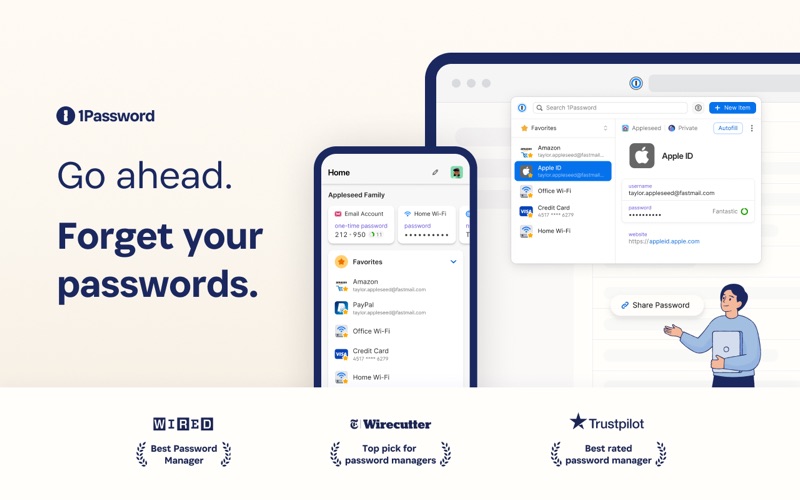
- Secure Multi-Type Storage: Keep more than just passwords safe; store private notes, medical records, software licenses, and sensitive documents securely.
- Biometric Integration: If you choose to use it alongside the macOS desktop app, you can unlock your vault instantly using Touch ID on supported Mac devices.
Proactive Protection with Watchtower
One of the standout features of the 1Password for Safari password manager is the Watchtower integration. Rather than waiting for you to discover security issues manually, Watchtower actively monitors your saved accounts. It alerts you if any of your login credentials have been compromised in known third-party data breaches, flags weak or repeated passwords that need updating, and identifies which of your favorite websites support multi-factor authentication so you can add an extra layer of defense.
Who Is This Security Extension For?
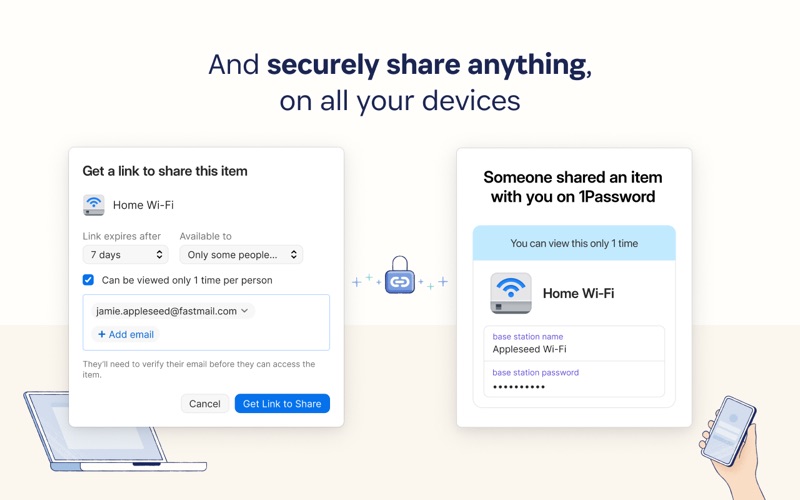
This extension is ideal for macOS users who want a lightweight, browser-first security solution without the system overhead of a full desktop program. Because it supports multi-account setups, it is equally suited for individuals managing personal credentials, families sharing streaming passwords, or corporate teams collaborating securely via shared vaults. Information is encrypted locally, ensuring that only you hold the keys to decrypt and view your data.
Is the 1Password for Safari Password Manager Right for You?
For Safari users seeking a streamlined, highly secure, and feature-rich credential manager, this extension offers an exceptional balance of convenience and military-grade privacy. To explore its features firsthand, you can find the extension and review user feedback on the Official Mac App Store.
Rate the App
User Reviews

Popular Apps










Editor's Choice